Odoo 20: what's new and how to upgrade to this version.
Odoo unveiled version 20 at the Odoo Experience in Brussels on September 24, 2026.
Highlights include AI agents that take action after your approval, fewer manual steps in accounting, and HR and payroll combined into a single process.
We identify what matters most to your business and work with you to plan your upgrade.
280+
Odoo experts
900+
Client Testimonials
05
country
Highlights
Six changes in Odoo 20.
AI agents that take action
Agents search for, create, and update records based on each user's permissions. By default, they do not save anything without your approval.
Human resources and payroll in a single process
Pay stubs are calculated directly based on absences and work schedules, without the need to manually enter work hours. A dashboard highlights what needs to be checked before each payroll cycle, and a gross-to-net simulation simplifies salary offers. For Swiss payroll submitted via Swissdec, we verify your configuration before the migration.
Fewer steps in accounting
Payments initiated from Odoo, bulk bank reconciliation, VAT reconciliation report for month-end closing, and consolidation with intercompany reconciliation.
Quotes that reflect reality
Quote lines without products, a choice of prices excluding or including tax for each document, an adjustable margin, and sections where the quantity is automatically reflected in their respective lines.
A lean supply chain
Inventory management without the "Inventory" application, suggested minimum and maximum levels based on demand history, and intercompany transfers without supplier or customer orders.
On-site service planning
A dispatch becomes a planned mission with multiple resources, a real-time map, vehicle inventory, and travel expenses.
App by app
What changes have you noticed in the apps you use every day?
A selection of new features in Odoo 20. Not all changes necessarily apply to every business. As part of the upgrade audit, we identify which ones are relevant to your business.
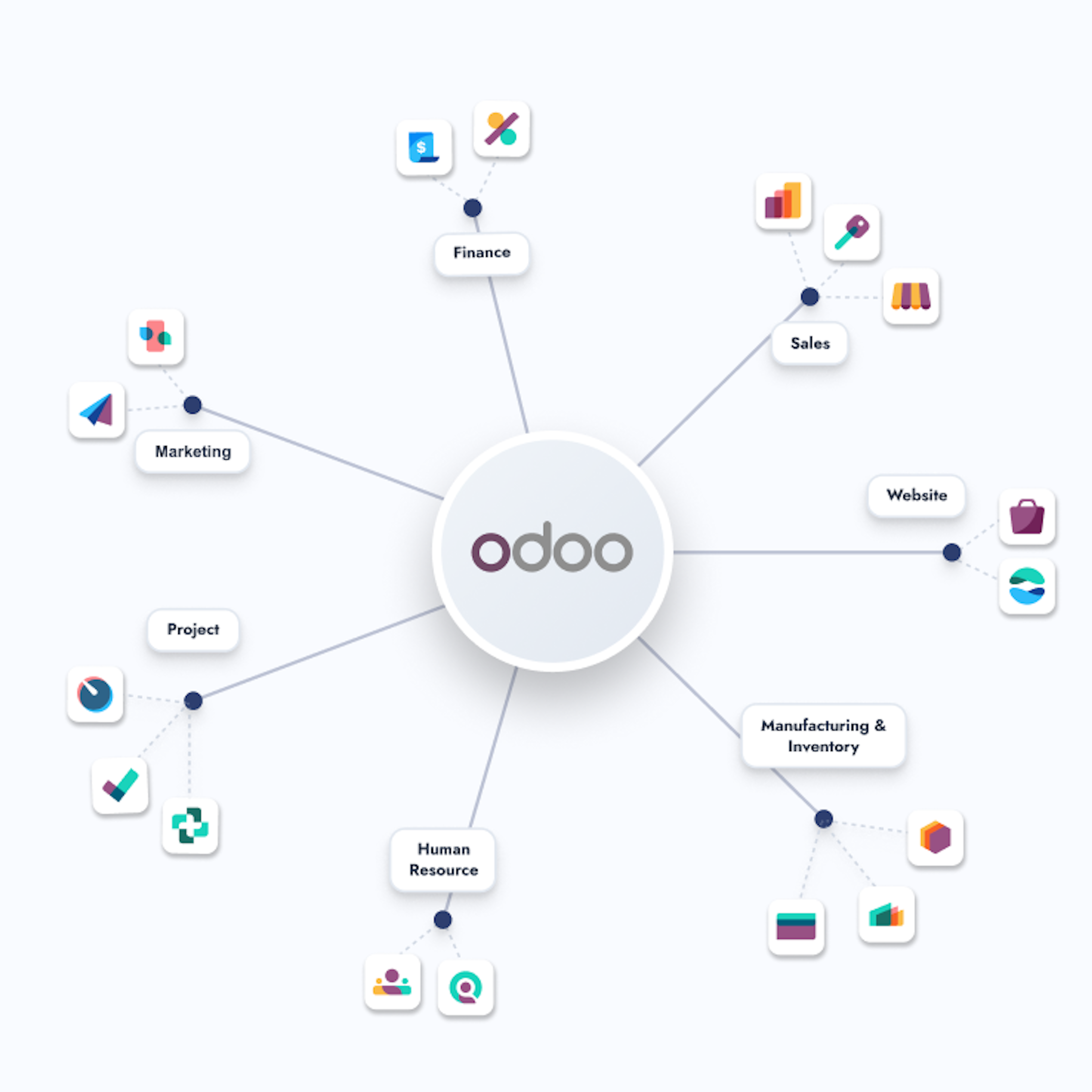
Accounting
Payments initiated from Odoo, bulk bank reconciliation, assets under construction, VAT reconciliation report for year-end closing, consolidation with intercompany reconciliation.
Sales
Quotation lines without products, prices excluding or including tax per document, adjustable margin, and sections where the quantity affects their corresponding lines.
Inventory
Inventory management without the "Inventory" application, suggested minimum and maximum levels based on demand history, and intercompany transfers without supplier or customer orders.
Manufacturing
Planning of backorders for scheduled production, component replacement, and continuous production across multiple work orders.
Service on-site and Planning
On-site service is integrated into the scheduling process. A service call is turned into a schedule that includes multiple resources, a real-time map, vehicle inventory, and travel expenses.
Point of sales (POS)
A single invoice per session instead of multiple entries. Delivery and service fees, multiple printers per point of sale, USB scales without an IoT enclosure.
Website and E-commerce
AI-assisted product page editing, attribute-based filters, and automated cross-selling suggestions.
Before proceeding with the upgrade
Five things to check before upgrading.
Odoo 20 offers real benefits. It also changes certain elements that your current configuration relies on.
AI works using credits.
Odoo 20's AI features use IAP credits that you purchase separately. Be sure to set aside a budget for these credits.
Some modules merge.
On-site service is now included in the schedule. Plan to reorganize service calls, resources, and travel expenses.
Accounting entries are changing.
The point of sale records one invoice per session instead of several separate entries. Reports, filters, and automations based on the old logic should be reviewed.
Work entries are disappearing.
Pay stubs are now calculated directly based on time off and work schedules. If your payroll is based on work entries, check its configuration before the migration.
The custom modules need to be reviewed.
Settings, fields, and modules have changed between Odoo versions 19 and 20, and some of these changes are not listed in the release notes. We are testing everything that depends on them in advance.
The Migration process to Odoo 20.
Audit
We analyze your current version, your custom modules, your integrations, and your data. You’ll know exactly what changes Odoo 20 brings for you and what needs to be adapted.
Migration plan
Together, we determine what needs to be done for the migration. You’ll receive a concrete proposal that includes the scope, approach, timeline, budget, and a schedule tailored to your company’s needs.
Migration to a test environment
We'll migrate a copy of your database and adapt your custom modules. Your teams can test their actual processes before the migration, without affecting the production environment.
Deployment and monitoring
We'll switch over on the agreed-upon date, and then we'll be there to support you during the first few weeks to address any issues that come up. The team that prepared your migration will also provide support.
Every version of Odoo, every upgrade. We've always been here.
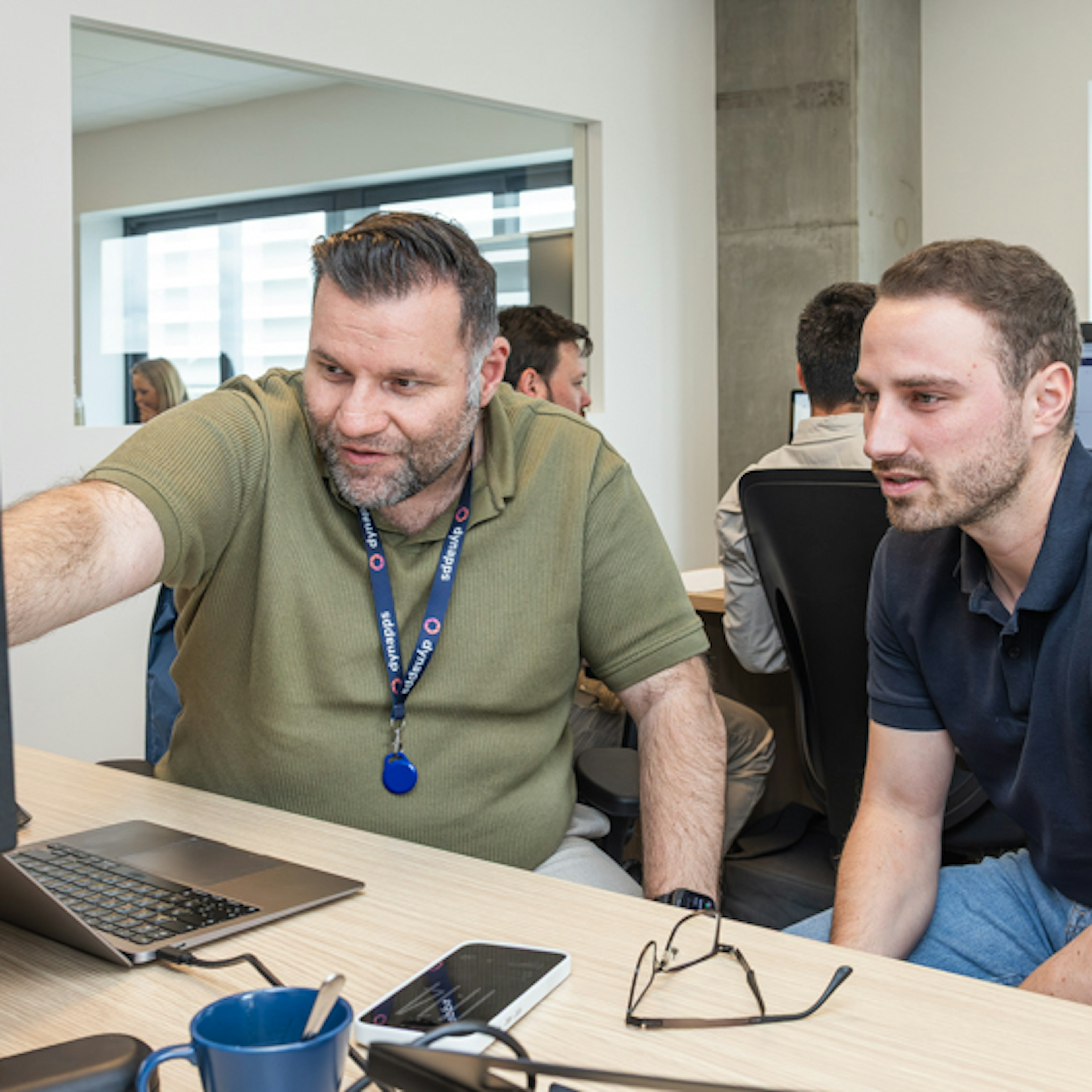
Most partners view an upgrade as a technical task. We view it as a strategic change. With over 900 client references and our status as an Odoo Gold Partner, we have supported our clients through every major upgrade. We perform upgrades from any version of Odoo.
Discover what Odoo 20 can do for your business.
Get your team ready for Odoo 20.
Can't find the answer you're looking for?
Contact us.
The migration to Odoo 20 runs in four phases: an audit of your current version and customisations, a migration plan with fixed timeline and investment, a controlled upgrade in a staging environment, and go-live with post-launch support. Dynapps runs each phase as a defined deliverable, not as open consultancy.
We upgrade from any Odoo version. The audit shows whether you move in one step or two.
In our experience, four to twelve weeks for a mid-sized company. The number of custom modules and integrations decides where you land.
That depends on your current version, your custom modules and your data volume. We start with an audit and then give you a fixed price.
Odoo presented Odoo 20 on 24 September 2026 at Odoo Experience in Brussels. When your database can move depends on your hosting: Odoo Online, Odoo.sh or on-premise. We check it with you in the audit.
Not by default. A new major release gets fixes in its first months. We plan most upgrades after an audit, at a moment that suits your business. If you run Odoo 17 or older, start planning now.
Agents search, create and update records on request, with each user's own access rights and, by default, only after approval. AI features run on IAP credits. The full picture is on our Odoo 20 AI page.
Payroll gets a guided dashboard, and payslips read time off and working schedules directly. In Belgium, Partena Professional and Odoo launch one HR and payroll environment from January 2027. Read more on our Odoo 20 HR page.
We wrote one page per topic, in English, French, Spanish and Dutch, based on the Odoo Experience talks and checked against the Odoo 19 and 20 source code.
Keep reading
Learn more about Odoo 20.
AI in Odoo 20
How agents work, what they can be used for, and how to get started without wasting credits.
Odoo 20: A Closer Look
One page per application—from CRM to manufacturing—to learn what’s changing in practice and what you need to plan for before the upgrade. Information verified against the source code for Odoo 19 and 20.